Anúncios
Ever wondered why qualified people get passed over before a recruiter reaches the second page? That quick decision often comes down to one focused document and a few clean choices you can make in minutes.
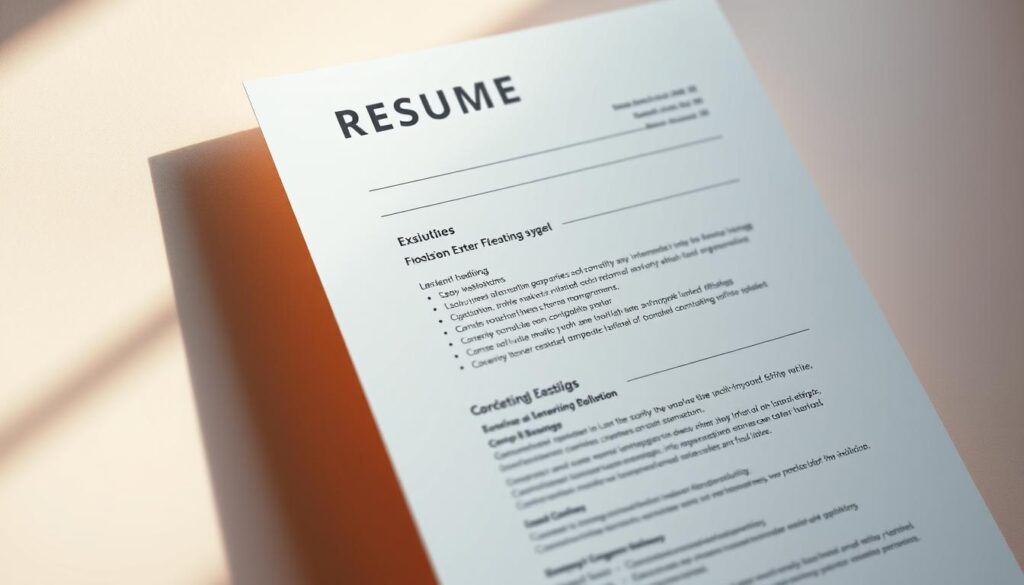
Think of your resume as a marketing tool: it must share clear contact information, highlight impact-focused experience, and use clean formatting so busy employers find key information fast.
Small edits—like quantifying wins, adding a clickable LinkedIn link, and mirroring job keywords—help your content pass both ATS scans and human review. Proofreading matters too; a single typo can stop an interview before it starts.
In this section you’ll learn which core page elements matter now, how to tighten language for skimmability, and quick strategies to make your resumes show clear results. Use these simple, targeted tips to boost your chances the next time you apply for a job or move your career forward.
Start Strong: Replace the Objective with a Concise, Results-Focused Summary
Start at the top with a short summary that signals role fit and measurable impact right away. Two to three sentences act as an elevator pitch and give the employer the key information they need to decide if they should keep reading.
Anúncios
Lead with your most marketable strengths: years of experience, a core skill, and one concrete result. Use the exact language from the job description so ATS systems and hiring managers see clear alignment.
“Creative UX designer with 3+ years’ experience in user research, wireframing, and A/B testing. Led lifecycle email testing that increased demo bookings 24%.”
Map one or two high-priority skills directly to the role (for example, SQL for data analysis or HubSpot for marketing). Keep wording precise—choose “pipeline generation” instead of vague phrases like “sales experience.”
- Craft a 2–3 sentence pitch using keywords from the posting.
- Front-load measurable wins to hook the reader.
- Reserve objectives for special cases; prioritize employer needs instead.
For more on why a summary often outperforms an objective, see this summary vs. objective guide.
Choose the Right Format and Length for Maximum Clarity
Pick a layout that makes your strongest experience visible in seconds. The most common format is reverse chronological order because it helps both ATS parsing and recruiter review.
When to use each type:
- Chronological: Best for most candidates and for clear time-based progression.
- Combination: Use when you need to show both skills and steady career growth.
- Avoid functional: Many systems misread that structure and it hides dates.
Keep the document to one page unless you have 10–15 years of relevant experience. That ensures hiring managers see your latest job and measurable results first.
Design matters: Use readable type, consistent section order, and balanced spacing. Limit graphics, tables, and text boxes so ATS reads plain text correctly.
“Reverse chronological order helps your most recent role stand out and speeds up screening.”
Tailor Every Section to the Job Description
Match your document’s language to the job posting so systems and people see immediate fit.
Start by combing the job description for exact phrases the employer uses. Pick 2–4 core keywords and mirror them verbatim in your job bullets and summary. This helps ATS score matches and tells hiring teams you speak their language.
Mirror keywords and language from the posting to pass the ATS
Use the exact wording from the posting when it fits your background — for example, “maintaining executives’ calendars” rather than a similar phrase. Keep these matches natural and targeted.
Prioritize relevant experience and transferable skills for each position
Move the most relevant bullets to the top of each role. Translate earlier work into clear, role-aligned achievements. For instance, customer-facing retail can become client success and relationship-building experience.
“Customize a few bullets per job to highlight outcomes that map to the posting’s top priorities.”
- Use role-specific tools or terms like GA4, Figma, or pipeline hygiene.
- Drop unrelated duties that dilute your fit.
- Adapt phrasing to match employer voice without copying boilerplate.
Resume Improvement Tips You Can Apply Today
Replace vague wording with actions that show clear results. Start by scanning each bullet for weak phrases like “responsible for” or “helped with.” Swap those for strong verbs such as spearheaded, implemented, or developed and attach a concrete outcome.
Use a simple formula: Action + What + Result. For example: Implemented onboarding checklist to cut ramp time by 20%. One clear example per bullet beats long duty lists every time.
Quick checks to finish in 15 minutes
- Quantify wins with numbers, percentages, or time saved.
- Make your LinkedIn, portfolio, or personal site clickable and current.
- Confirm your email looks professional and monitor social media for public content.
- Trim outdated roles, graduation dates, and buzzwords that add clutter.
Read each line aloud once to catch awkward phrasing and typos before you submit.
Show Your Impact: Action Verbs, Metrics, and Real Outcomes
Show impact fast by using high-energy verbs and anchored metrics in each bullet.
Use the Action + What + Result formula: Action verb + what you did + measurable outcome. This turns routine work into clear value for the company.
- Launched content calendar that lifted social engagement 35% and referral traffic 18% in two quarters.
- Spearheaded a cross-functional GA4 dashboard used by 3 departments to cut reporting time 40%.
- Optimized onboarding flow to reduce ramp time by 20% and increase NPS by 7 points.
“[Action verb] [X] to [Y], resulting in [Z].”
Choose verbs like spearheaded, optimized, launched, reduced, and secured. Anchor each claim with scale—users, revenue, team size, or budget—so hiring teams can judge scope at a glance.
Always tie examples back to the job’s priorities. Keep bullets concise and data-rich so your real outcomes stand out in seconds.
Build a Skills Section That Balances Hard, Soft, and Tech Skills
A tight, categorized skills area helps hiring managers and ATS match you to the job faster.
Group your capabilities into short lines: Hard skills, Technical programs, and Soft skills. This keeps the section scannable and focused on the field you want.
Map key programs to a proficiency level — for example, “Excel — advanced; Salesforce — intermediate; Figma — advanced.” That sets clear expectations for the role and saves recruiters time.

Don’t just list soft skills. Show them in your experience with outcomes that prove leadership, problem solving, or communication.
- Prioritize tools and languages the posting mentions.
- Remove dated or low-impact items so the section stays current.
- Keep each line short and grouped, not paragraph-long.
Make sure every skill in your list appears elsewhere on your resume as evidence. For guidance on structure, see how to list skills.
Strengthen Key Sections: Education, Certifications, Awards, and Interests
Make supporting sections visible and concise so hiring teams can verify qualifications in a single glance.
Education should be clear and minimal: list degree, school, and year only if it adds value. Omit old coursework or graduation dates that distract from your current experience.
Where to place certifications and licenses for visibility
Put a separate Certifications and Licenses section directly below education. Call out credentials like PMP, AWS Certified Cloud Practitioner, or CPA so they show in scans and quick reads.
How to frame awards with scope and significance
Describe awards with a brief context and measurable scope. For example: President’s Club — Top 5% of 120 AEs; 138% quota attainment, 2023. Include the organization or company name exactly as it appears on LinkedIn.
Use relevant hobbies and interests to signal culture and initiative
Add concise, professional interests that show initiative—like organizing a local UX meetup, contributing to open-source, or mentoring for Girls Who Code. Keep each interest one line and tied to real outcomes where possible.
- List education first, then certifications as their own block.
- Mention a core certification in your summary when it’s a job qualifier.
- Frame awards with scope and the exact organization name.
Make It Easy to Skim: Layout Rules Recruiters Love
Recruiters skim fast; your layout should make the right facts pop. Use visual order to guide attention so hiring teams find dates, titles, and impact in seconds.
Right-align dates, avoid centered text, and use clear dividers
Place dates on the right so tenure reads at a glance without breaking the flow of your titles and companies.
Avoid centered headings. Left-aligned section labels and divider lines create clean lanes for the eye.
Bold either company or role—stay consistent across positions
Pick one element to emphasize—company or job title—and apply it across every section. This reduces visual noise and speeds comparison between roles.
- Keep fonts professional: Calibri, Helvetica, or Georgia work well and keep text legible on screen and print.
- Use concise lists: Short bullet lines with parallel structure help a reviewer absorb key points in under 30 seconds.
- Preserve white space: Margins and dividers guide the eye and prevent dense blocks that waste a recruiter’s time.
Keep critical items above the fold—summary, recent experience, and key skills—so they’re visible without scrolling.
Proof your page for consistent punctuation, capitalization, and spacing. That small attention signals professional care and saves reviewers time when they scan your job history and experience.
Conclusion
Finish strong by turning what you learned here into a short, repeatable process you can use for every job application.
Tailor each document to the job description, quantify your experience, and proofread aloud. Include live links to LinkedIn or a portfolio where they add context to your work.
Keep the page scannable: a tight summary, clear skills, and measurable examples make employers decide faster. Show certifications or key programs when they matter to the position.
Use this guide as a checklist—tailor, measure, proof—and you’ll spend less time applying and more time preparing for the interview.